How to Safely Delete Your Character.AI Account Without Losing Data
Yes, you can delete your Character.AI account, and the actual process takes less than two minutes once you are in the settings menu.
But if you click that button without doing a few things first, you can lose years of chat history, keep paying for a c.ai+ subscription you no longer have access to, and discover that your public characters are still live on the platform after your account is gone.
This guide walks through everything that needs to happen before, during, and after deletion, so you do not learn any of those lessons the hard way.
What Deleting Your Account Actually Does
Deleting your Character.AI account removes your profile, your chat history, your private characters, and your account credentials from the service. It is permanent.
There is no undo button and no recovery period where you can change your mind and restore everything.
But deletion does not work the way most people assume. Two things survive the process, and the platform does not make either of them obvious.
Your Public Characters May Stay Live
Character.AI's privacy policy contains a clause that almost nobody reads.
If a character you created has been made public and other users are interacting with it, the company reserves the right to keep that character active even after you delete your account.
Their reasoning is that removing it would disrupt the experience of other users who are already using it.
This means a character you built and shared can outlive your account.
If your name or personal details are embedded in the character's definition, that information stays on the platform in a form other people can access.
The privacy policy explicitly warns users not to submit personal information when creating a character they plan to make public, because that information cannot be reliably removed later.
Your Chats With Other People's Characters Stay on Their Side
Chat history on Character.AI is not a private inbox between you and the platform.
When you message a character created by another user, those messages become part of that character's interaction history.
Deleting your account does not scrub your messages from the record on the creator's side.
In other words, your deletion removes the chat from your account view, but conversations you had with other users' public characters can remain part of that character's history.
The Pre-Deletion Checklist
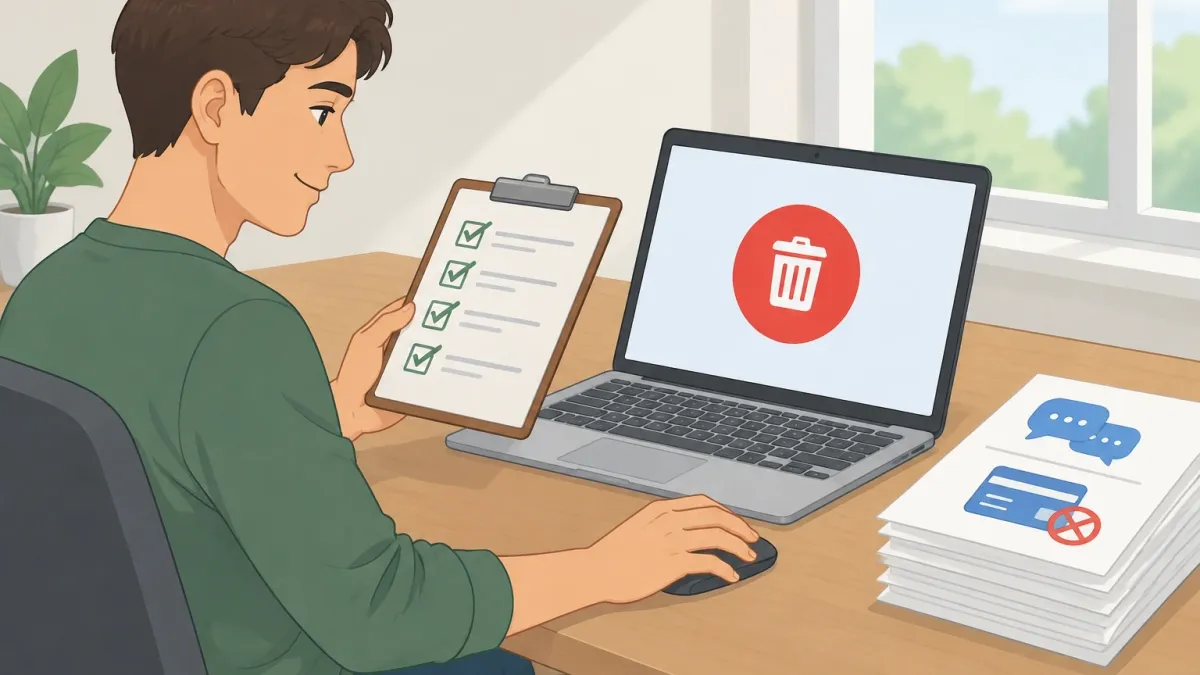
Before you click anything, work through these five steps. Each one exists because someone, somewhere, lost something they could not get back.
Save Your Chat History Manually
Character.AI has no native export feature. There is no "download my data" button in the settings and no way to pull your conversations into a clean file.
The only way to preserve your chats is to copy them yourself.
For conversations that matter, open each chat and copy the full transcript into a document. If a chat is very long, work through it in sections.
Screenshots are another option, but they are harder to search later and take up more space. A plain text document with the full conversation is the most practical format.
Some browser extensions can capture full-page scrolls for longer chats. Those work well if you want a visual record rather than a text one.
Record Your Character Definitions
If you created characters, their definitions, greeting messages, and example conversations are the entire blueprint of what makes them work.
Copy the full definition text, the long description, the greeting, and any example dialogue into a separate document.
This is the information you would need to recreate the character on another platform or rebuild it later if you ever return.
Most users who delete their accounts and regret it later do not regret losing the chats. They regret losing the characters they spent hours tuning.
Cancel Your c.ai+ Subscription First
This is the one that quietly costs people money. Deleting your Character.AI account does not automatically cancel your c.ai+ subscription.
If you subscribed through the Apple App Store or Google Play, the billing is managed by those platforms, not by Character.AI.
Your account can be deleted and the subscription can keep charging you every month.
Cancel the subscription before you delete the account. The cancellation path depends on where you signed up:
- Apple App Store: Open Settings on your iPhone, tap your name at the top, tap Subscriptions, find Character.AI+, and tap Cancel Subscription.
- Google Play: Open the Google Play Store, tap your profile icon, tap Payments & subscriptions, tap Subscriptions, find the Character.AI subscription, and tap Cancel.
- Billed directly on the web: Go to your account settings, find the subscription section, and cancel from there.
Do this first. Even if you are mid-billing-cycle, canceling immediately stops the next charge from coming.
Revoke Third-Party Logins
If you signed in with Google or Apple, deletion removes the account from Character.AI's side, but the connection may still exist on the provider's side.
Go into your Google account or Apple ID settings and revoke the Character.AI login permission. This prevents the account from being used as a login method again and keeps the connection clean.
Write Down the Email Address You Used
This sounds obvious, but people forget. If you used an alternate email or a "Sign in with Google" address, note it down.
You will need it if you want to create a new account later, and you will need it to verify your identity if anything goes wrong during the deletion process.
How to Delete Your Account Step by Step
With the checklist done, the deletion itself takes about two minutes.
On Desktop
- Click your profile avatar in the top-right corner of the screen.
- Click Profile Settings in the dropdown menu.
- Click the Account tab on the left side of the settings page.
- Scroll to the bottom of the Account tab and click Manage Account & Data.
- Click Delete Account.
The confirmation screen states clearly that this action is permanent. You may also be asked to type your password or confirm your email address at this stage, so have your login details ready.
On Mobile
The mobile app follows a similar path with slightly different labels.
Tap your avatar in the bottom navigation bar, tap the settings gear icon, tap Account, then tap Manage Account & Data, and finally tap Delete Account.
If you cannot find the delete option anywhere in the app, open your mobile browser and go through the desktop flow on the regular website — the option is always there.
This is the point of no return. Once you confirm, there is no way back.
What Happens After You Click Delete
Deletion is not instant. Character.AI processes account deletion over a period of time, which means your data is not wiped the second you click the button.
During this processing window, logging back into the account may fail or may still work depending on where your request is in the queue.
If you try to log in and the account still exists, do not assume the deletion failed. Leave it alone and give the process time to complete.
The same email address can be used to create a new account later.
The platform does not lock you out of re-registering, though creating a fresh account means starting from zero with no chat history, no characters, and no settings carried over.
There is also a legal retention exception worth understanding. Character.AI, like most companies, keeps certain data for compliance purposes and to resolve disputes.
The personal information tied to your public characters may persist under the popular characters clause, and backend logs or payment records may be retained for regulatory reasons even after your account is gone.
Delete or Go Dormant: Which Is Right for You?
If your reason for leaving is frustration rather than a firm decision to never return, consider dormancy first. Deleting is permanent. Dormancy costs you nothing and keeps every door open.
| Delete Account | Go Dormant | |
|---|---|---|
| Chat history | Gone permanently | Preserved |
| Public characters | May stay live without your control | Stay live and remain yours |
| c.ai+ subscription | Must cancel separately | Keeps working if you keep paying |
| Ability to return | Fresh account, zero data | Everything exactly as you left it |
| Digital footprint | Mostly removed | Stays fully intact |
If you want a middle ground, you do not have to delete the whole account to step away.
You can delete individual characters you no longer want, clear specific chat histories, switch your characters from public to private, or simply log out and remove the app from your phone.
Any of these reduces your presence on the platform without permanently cutting the tie.
Frequently Asked Questions
If I delete my account, will my chats with other users' characters disappear from their side too?
No. Messages you sent to characters created by other users are part of those characters' interaction history.
Deleting your account removes the conversations from your view, but the character creator can still see the messages on their side.
I forgot my password and cannot log in. Can I still delete my account?
Not directly. The deletion option lives inside your account settings, which means you need to log in to reach it. Use the password reset option on the login screen to regain access first.
If your email address has changed or you cannot access the recovery email, contact Character.AI support through their help center and request account deletion that way.
Does Character.AI refund my c.ai+ subscription if I delete mid-billing-cycle?
Refund policy depends on where you paid. Subscriptions purchased through the Apple App Store or Google Play follow those platforms' refund rules.
Character.AI's web-billed subscriptions follow their own support process.
Generally, you are not guaranteed a prorated refund for the unused portion of a billing cycle, so cancel the subscription and use the remaining paid time as the buffer before you delete.
Can I use the same email address to sign up again after deletion?
Yes. The email address is not permanently burned. After the deletion process completes, you can register a new account with the same email.
You will start completely fresh with no chat history, characters, or settings carried over.
Will deleting my account remove my character from other users' chat histories?
No. If your character is public and other users have chatted with it, those users still have the conversation history on their side.
The character itself may also remain active on the platform under the popular characters clause, even though you are gone.
Is there any way to get a copy of my data before I delete?
There is no native data export tool in Character.AI. The only way to keep a copy is to manually save your chat transcripts and character definitions before initiating deletion.
The pre-deletion checklist earlier in this guide shows exactly what to capture and how.