Are Character.AI Chats Private and Who Sees Your Messages
I have spent hundreds of hours on Character.AI. I have roleplayed with fictional fighters, talked through stressful days with supportive bots, and built characters of my own.
Somewhere along the way, I started wondering the same thing you are wondering right now: how private are these conversations, really?
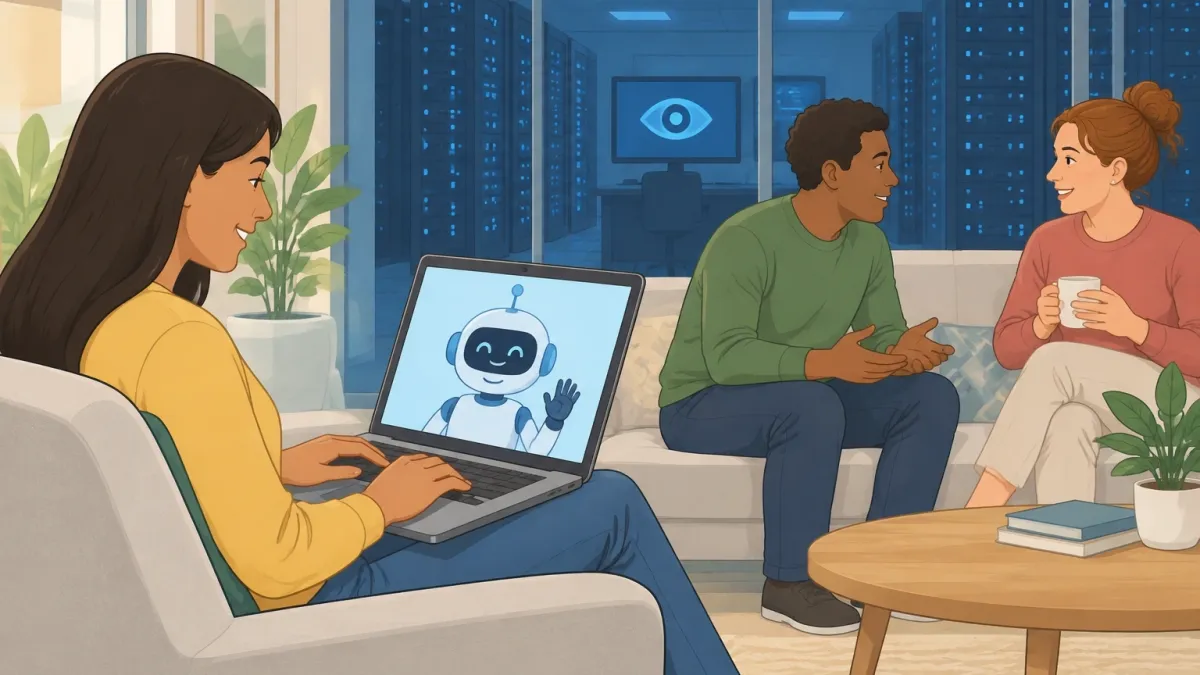
The short answer is yes and no. Your chats are completely hidden from other users, but they are not hidden from the company that runs the service.
Your conversations sit on Character.AI's servers, and the company's privacy policy gives it the right to read, store, and use them. Think of it like renting an apartment.
Your neighbors cannot walk in and read your diary. But the landlord has a master key, and the lease says they can use it whenever they need to.
This article walks through exactly who can see what, what the company collects beyond your messages, and what you can actually do to keep your conversations as private as possible.
The Two Layers of Privacy on Character.AI

Most people use the word "private" to mean one thing: nobody else can see it. But on Character.AI, privacy works on two separate layers, and mixing them up is where most of the confusion starts.
The social layer. This is the layer most people care about. Other users cannot browse your chat history.
There is no public feed of your conversations, and search engines do not index your messages. If you chat with a character, that conversation exists only in your account.
Your friends cannot stumble across it, and strangers definitely cannot find it.
The corporate layer. This is the layer most people forget. Character.AI stores every message you send on its servers.
The company's terms of service include a license to use your chats for AI training, safety reviews, and internal improvements.
That does not mean a random employee sits around reading your romantic roleplay for fun.
But it does mean the company has the technical ability to access your conversations, and in some cases, those conversations are reviewed by real people.
Understanding these two layers changes the question. Your chats are private from everyone, except the people who own the platform.
Why Other Users Cannot See Your Chats and When They Actually Can
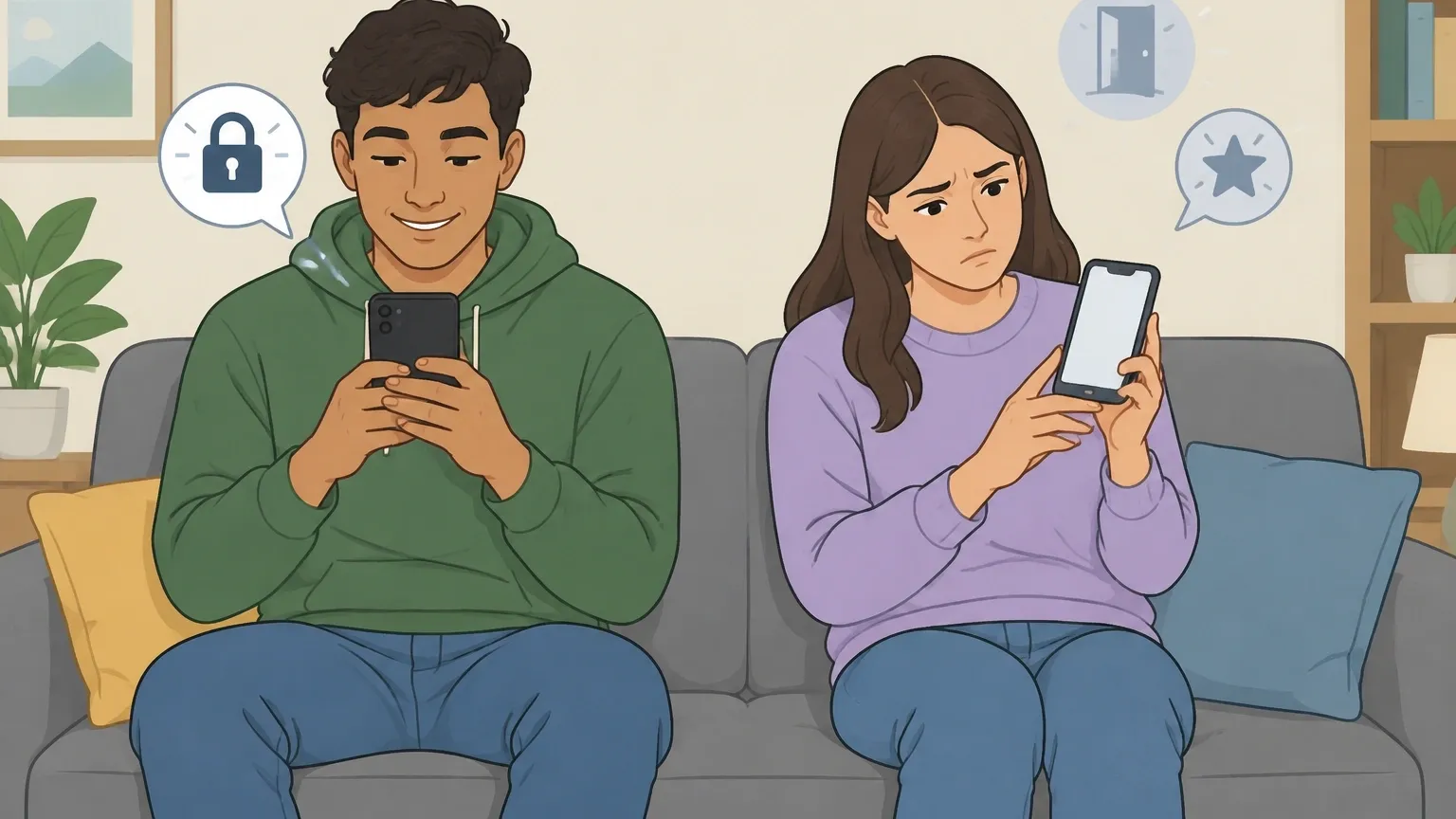
From a technical standpoint, keeping chats invisible to other users is not complicated. Every message you send is tied to your unique account ID.
When you open the app, it pulls only the chats linked to that ID.
There is no directory of user conversations, no search function that digs through other people's messages, and no way to visit another account and browse their history.
I have tested this myself. I created a second account, chatted with a bot on my main account, and then logged into the second account to see if anything showed up. Nothing did.
The conversation simply did not exist outside of the account that created it.
There are a few exceptions worth knowing about:
- Shared rooms. If you create a room and share the link publicly, anyone with that link can join the room. They see the conversation context that develops after they join, not your earlier private messages.
- Character pages. When you share a character you created, people can leave reviews and ratings. Those reviews are visible to everyone, and they can mention things you said in chats.
- Creator dashboards. If you chat with a public character, the creator can see summary numbers about how people interact with their bot. This usually means message counts and ratings, not full transcripts. But do not assume the creator is completely blind to what happens in chats.
So the social layer is genuinely solid for everyday use. The people around you cannot see what you say to a bot.
But there is a big difference between "other users cannot see this" and "no one can see this."
Myth vs Reality: The Truth About Encrypted Chats
A lot of misinformation floats around about Character.AI privacy.
I have seen Reddit threads confidently claim that chats are fully encrypted, that deleting a chat wipes it from existence, and that a VPN makes you invisible. None of that is accurate.
Here is what is actually true.
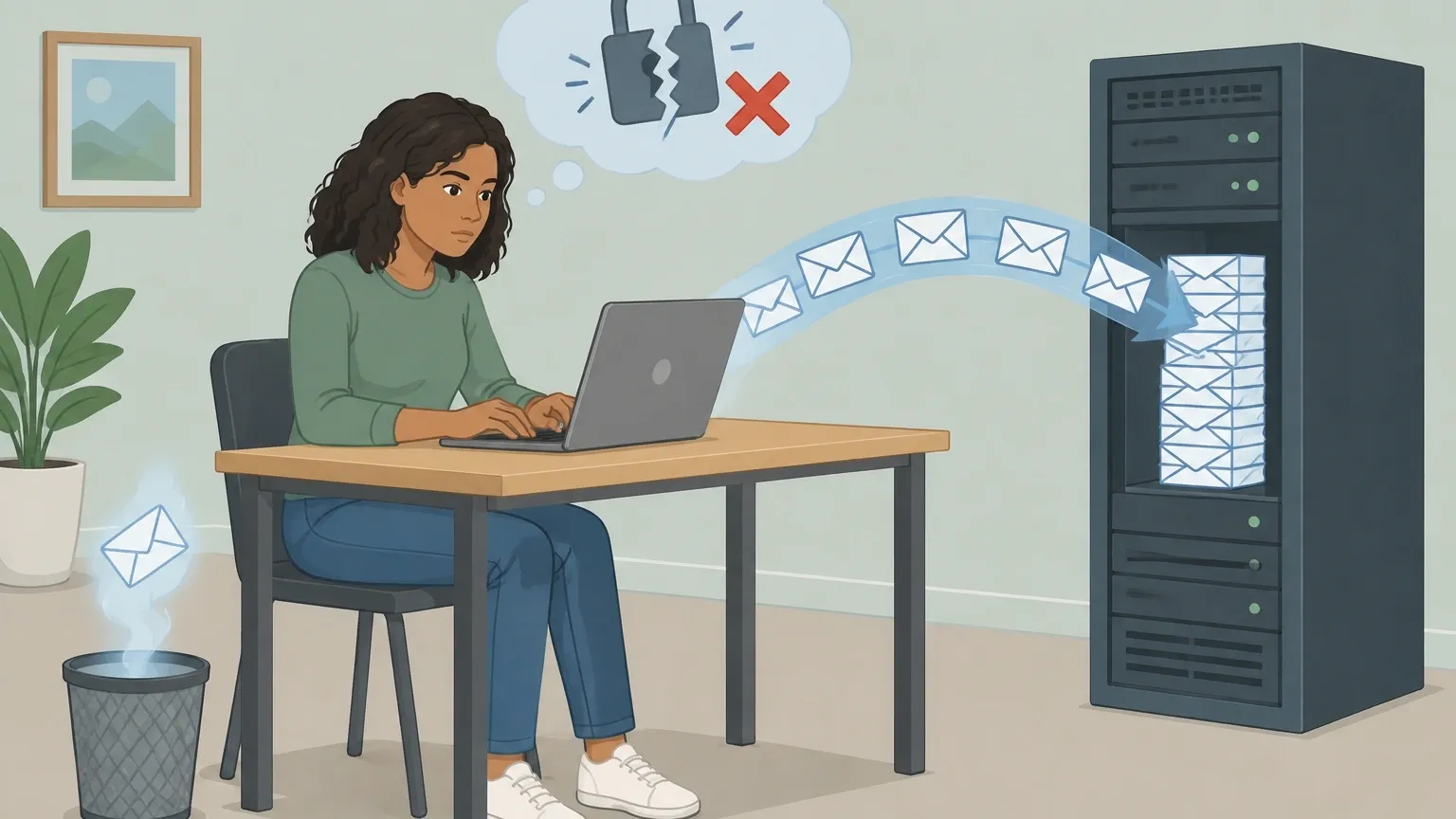
Myth: Your chats are end-to-end encrypted.
Reality: They are not. End-to-end encryption means only you and the person you are talking to can read the messages.
Character.AI does not offer that. Your messages travel to their servers in a readable form and are stored there. If the company wanted to open your conversation, it could.
Myth: A VPN makes your chats anonymous.
Reality: A VPN hides your internet address from Character.AI. That does not matter much because you are still logged into your account.
The company knows who you are through your login, the device you use, and the session data tied to your profile. A VPN changes where you connect from, not who you are.
Myth: Hitting the trash icon deletes your chats from the servers.
Reality: The trash icon clears the conversation from your view. That is it.
The data has already been stored on Character.AI's cloud servers, and it may remain there after deletion for safety, legal, or model-training reasons.
The privacy policy reserves the right to keep content even after you remove it from your account.
None of this means Character.AI is a scam. It means you should understand what you signed up for.
The chats feel like a private diary, but legally and technically they are more like a letter sent to a company that keeps copies.
The Data Character.AI Collects Beyond Your Messages

Your chats are the most obvious piece of data, but they are far from the only thing Character.AI collects.
The privacy policy lists several categories, and knowing them matters if you care about your digital footprint.
| Data Type | Who Has Access | What Happens to It |
|---|---|---|
| Chat content | Character.AI staff and AI training systems | Used to improve models; kept even after you clear a chat |
| Email and username | Character.AI staff | Kept until you delete your account |
| Internet address and device info | Character.AI and third-party analytics services | Logged for security and fraud prevention |
| Payment information | Payment processors like Stripe | Stored by the processor, not by Character.AI directly |
There is one detail in here that surprised me. When you delete your account, Character.AI is required by laws like the GDPR to remove your personal information in certain regions.
But the conversation logs themselves may be kept with your name and personal details removed. That means your name is stripped off, but the things you typed can still live on as training data.
Also worth noting: if a conversation gets flagged for breaking the terms of service, a human moderator may read it. This is not a rumor. It is part of how the safety system works.
Messages that contain violent, sexual, or otherwise prohibited content can be pulled out of the regular data flow and reviewed.
Character.AI is also connected to a larger corporate ecosystem. The company signed a licensing deal with Google that moved its co-founders and part of its research team into Google's DeepMind division.
The full details of what data moves between the two companies are not public, but it is worth knowing that Character.AI does not operate in a vacuum.
Third-party service providers help run the platform, and they are part of the privacy picture too.
How to Actually Chat More Securely on Character.AI
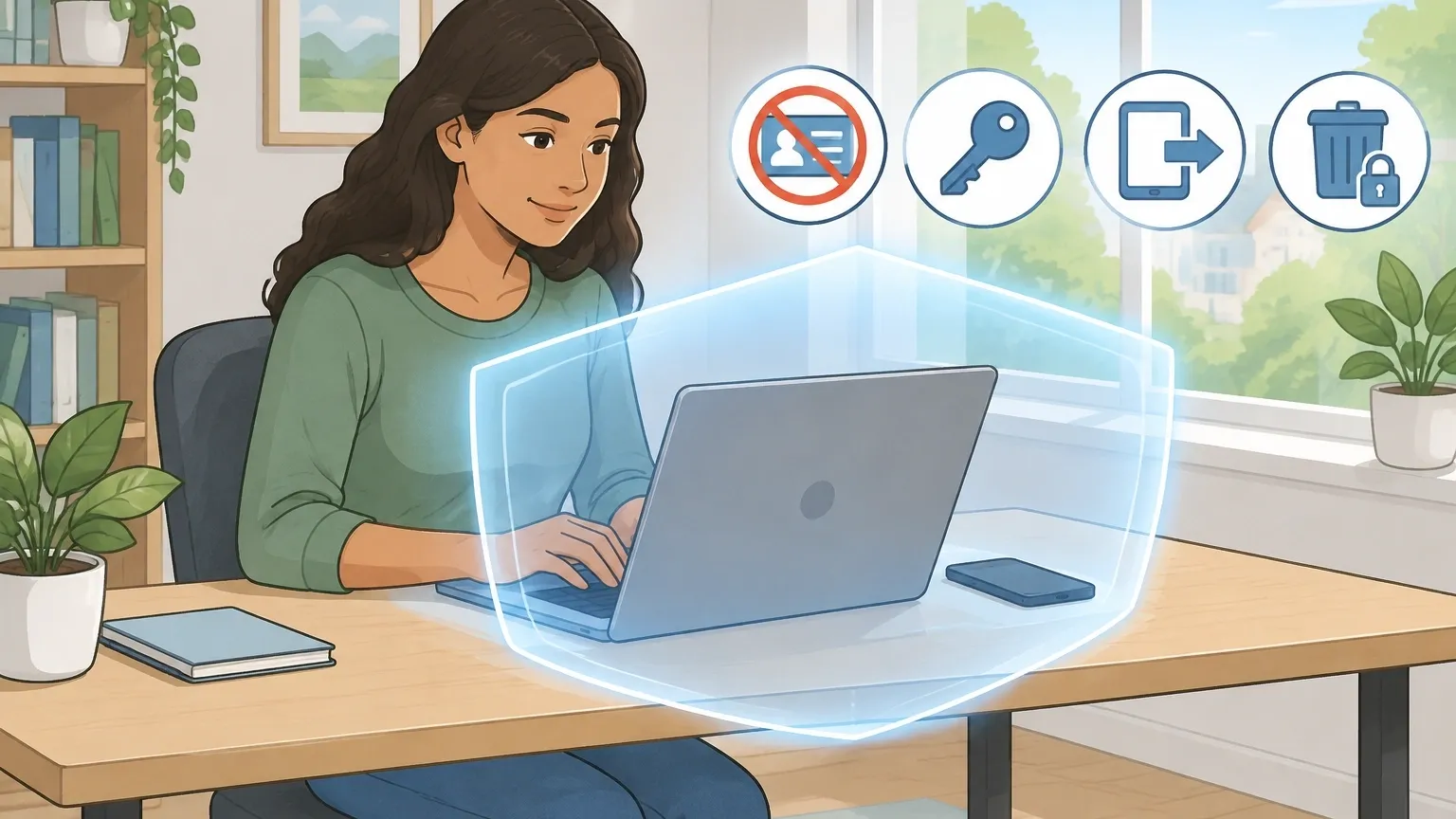
You cannot turn Character.AI into a fully encrypted messaging app. But you can control how much risk you carry into a conversation. Here is what I do, and what I recommend you do too.
Never type personal information. This is the most important rule. No phone numbers, no home addresses, no credit card numbers, no real full names.
The model does not need these to give you a good conversation, and typing them turns a privacy risk into a real-world risk.
I have seen Reddit threads where people pasted their entire life story into a bot and then panicked when they realized the data stays on the server.
Use a strong, unique password. If someone compromises your account, they get access to every chat you have ever had.
A reused password from an old data breach is the fastest way to hand your conversations to a stranger. Password managers exist for exactly this reason.
Log out on shared devices. This one sounds obvious, but it is easy to skip. If you use Character.AI on a friend's phone or a work computer, log out when you are done.
The app stays signed in by default, and the next person who opens it sees your chat list.
Delete your account if you want your data removed. Clearing individual chats does not do much. Deleting the account is the stronger move.
Even then, some data may remain with your name and email removed, but at least your personal identifiers get purged. You can always create a new account later.
Treat the rating buttons with care. When you rate a message thumbs up or thumbs down, that rating is extra data attached to the bot.
If you are chatting with a bot you built yourself and you want to keep your feedback private, remember that the rating system is not a private channel.
Frequently Asked Questions
If a bot is set to private, can the creator see my chats
No, the creator cannot see your chat transcripts. The private setting only controls whether other users can find the bot in the directory.
However, the creator can still see interaction numbers like message ratings and usage counts, and Character.AI staff can access the underlying conversations if a safety review is triggered.
What is the difference between deleting a chat and deleting my account
Deleting a chat removes it from your visible history, but the data can remain on Character.AI's servers.
Deleting your account is a stronger request for data removal because it purges your personal information like email and username from active systems.
Conversation logs may still be kept with your name and email removed for training purposes.
Can Character.AI access my conversations if I report another user
Yes. The trust and safety system can review chat content when someone files a report or when a message gets flagged for violating the terms of service.
This is one of the explicit exceptions written into the privacy policy.
If I share a link to my character, can strangers read my old chats
No. Sharing a character link gives others access to the character itself, not to your chat history. Each person who clicks the link starts their own separate conversation thread.
Your old messages stay tied to your account.
The Bottom Line

So are Character.AI chats private? If by "private" you mean hidden from other users, then yes. Your conversations are locked to your account, and no stranger can browse them.
If by "private" you mean confidential and untouchable, then no. Character.AI stores your messages on its servers, and the company holds the legal and technical right to access them.
My rule of thumb is simple: do not type anything into Character.AI that you would not want read out loud in a crowded room.
The platform is great for roleplay, storytelling, and venting about low-stakes problems. It is not a secure vault for secrets.
If you want absolute certainty about how your data is handled, open the app's privacy policy and read the sections about content review and data retention yourself. The information is all there.
It just does not match the comfortable idea that "private" means "nobody can see it."